TRAINING
UC Lab
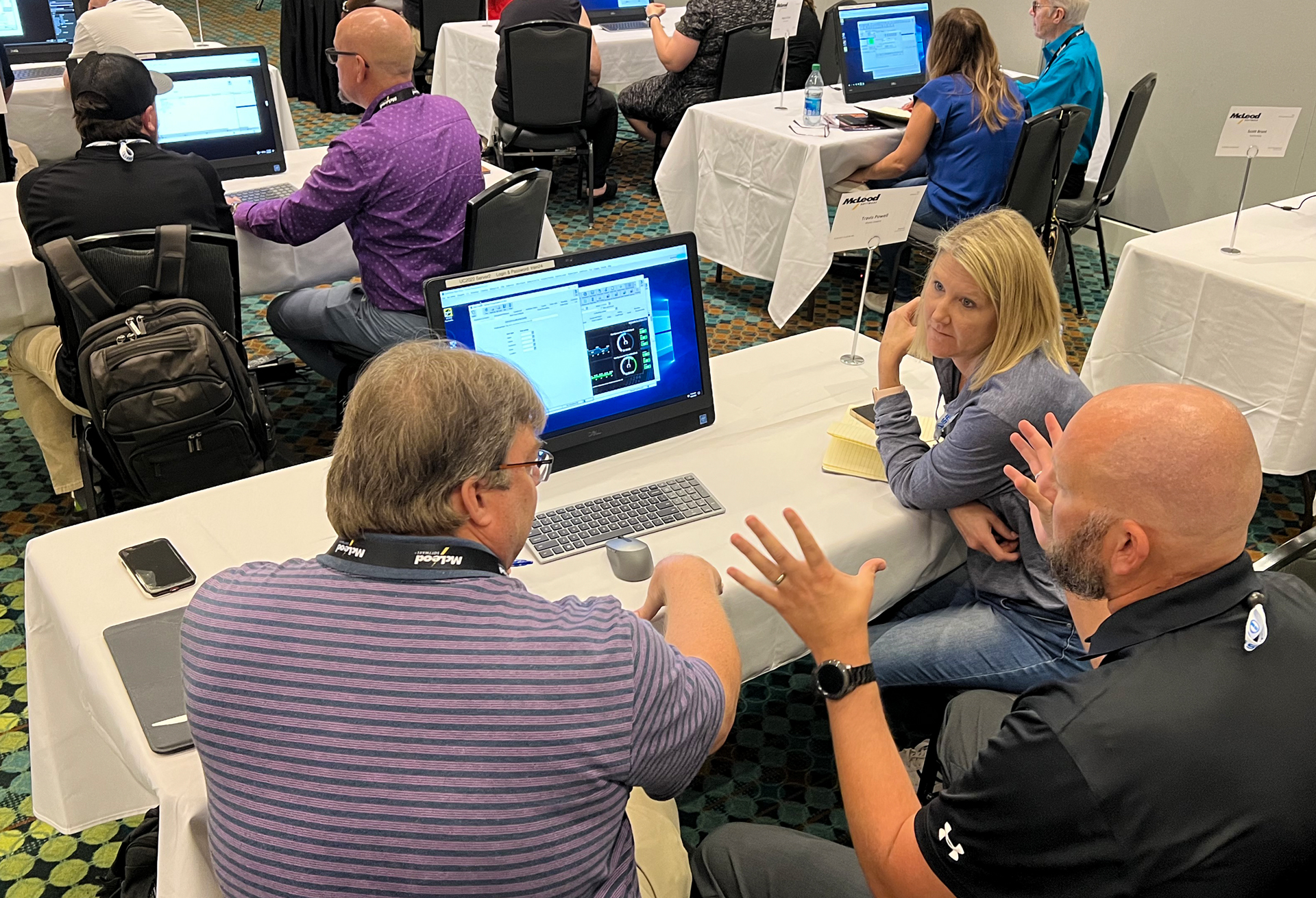
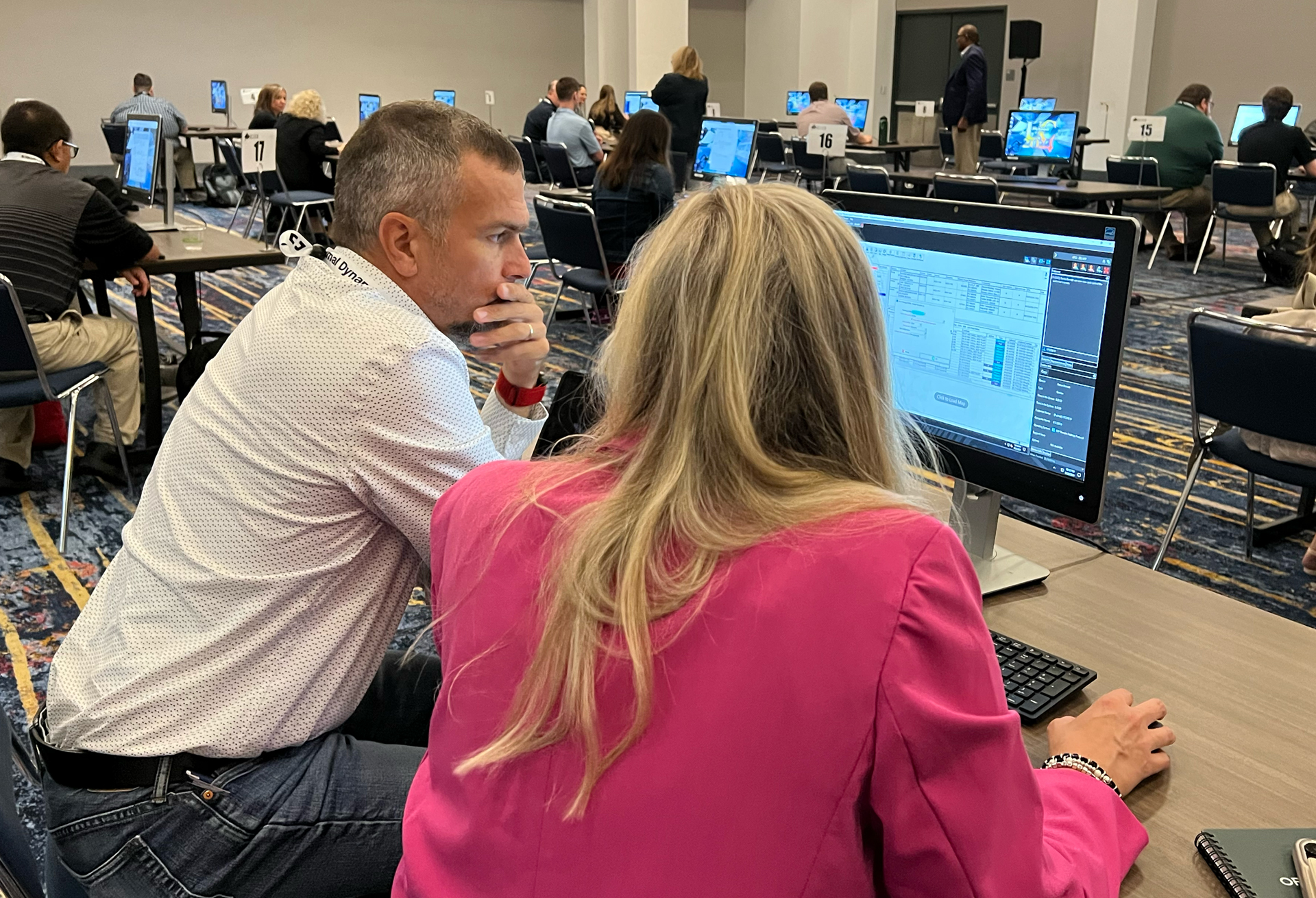
UC Lab is your opportunity to get dedicated, one-on-one time with a McLeod product expert. These interactive one-hour sessions are designed to help you dive deeper into the products and modules that matter most to you. Whether you’re looking to solve a challenge, better understand a feature, or learn best practices for a specific process, UC Lab provides personalized guidance tailored to your needs.
When registering for the conference, please indicate your interest in receiving one-on-one training and support through UC Lab by August 21 to reserve your session. After August 21, attendees may sign up for any remaining appointments on a walk-in basis at the UC Training Lab, subject to availability.
After registering for the conference and indicating your interest, you'll receive an email closer to the event with a link to a training questionnaire. Your responses will help our team understand your goals and match you with the best UC Lab expert for your session.
Sponsored by:
McLeod University
On Wednesday, September 16, McLeod University (McLeodU) courses will be held. These classes provide an in-depth focus on a specific product or operations subject. Whether you are a LoadMaster or PowerBroker user, there is a class for you! These classes carry an additional fee. You can register for McLeodU during registration. Once you have selected your conference ticket, scroll to see options for McLeodU.
Asset Operations
Discover how McLeod's LoadMaster//web helps your team work smarter by utilizing built-in workflows for great efficiency. Learn how LoadMaster//web improves asset management with greater visibility, increases productivity across your organization using automation tools, and simplifies onboarding for new hires.
Brokerage Operations
McLeod’s PowerBroker provides powerful tools to help you work smarter, and PowerBroker//web makes optimizing workflows easier than ever. Learn how to maximize the base product through automation, smart configuration, improved visibility into issues and opportunities, and proven approaches for managing change and onboarding new users.
Introduction to MPact.IQ and Power BI
MPact.IQ with Power BI helps you visualize data and make smarter, data-driven decisions. Learn the fundamentals of dashboards and reporting, along with best practices for analytics, design, and report sharing. This introductory class is ideal for new MPact.IQ and Power BI users or customers exploring MPact.IQ before purchase.
Requirements for MPact.IQ and Power BI:
- Beginner to intermediate Power BI skills
- Open to existing MPact.IQ customers or McLeod customers that may be interested in purchasing MPact.IQ
- A laptop is not required (laptops will be provided for class attendees)