Choosing event management software starts with finding a platform that can handle your events. But capabilities are only part of the decision. You also need to understand what it will be like for your team to use the platform daily.
Can your team change a registration form without opening a support ticket? Will someone be available when check-in starts at 7 a.m.? Does the quote include everything you need, or will the mobile app, badge printers, and additional admin seats cost more?
Those details affect your team’s workload, your budget, and the experience you deliver to attendees. They’re also easy to miss in a polished demo.
This guide walks you through comparing event management platforms, evaluating pricing and support, testing everyday tasks, reviewing reporting and integrations, and planning a switch. You’ll find questions to ask vendors and a sample scorecard to help your team choose a platform that fits the way you work.


What is event management software?
Event management software helps teams set up events, manage the attendee experience, and measure results. Depending on the platform, it can bring registration, ticketing, event websites, check-in, badge printing, mobile apps, session scheduling, speaker management, exhibitor and sponsor management, and reporting into one system.
Some platforms specialize in a particular format or task, such as virtual events or ticketing. All-in-one event management platforms bring these capabilities together, helping teams manage in-person, virtual, and hybrid events from setup through reporting.
Start by deciding which event activities you want to bring into one platform. Then look at integrations with your broader tech stack, including your CRM, marketing automation platform, and analytics tools. Strong integrations help your team use event data to effectively follow up with attendees, measure performance, and calculate ROI.
How should you compare event management platforms?
Start with the capabilities your events require. List your must-haves, including integrations, and use them to narrow your shortlist.
Then look at how each platform delivers those capabilities. A feature checklist can confirm that two vendors offer badge printing. It won’t tell you how easily you can change a badge design, what equipment you’ll need, or who can help if printing stops during check-in.
That’s where the evaluation needs to go deeper. The following five areas will help you compare the day-to-day experience, total cost, and support behind each platform. These are the things that can make you want to switch platforms, even when your current software has all the features you need.
Use the same tasks and questions with every vendor. You’ll get a clearer comparison and a better sense of what working in each platform will feel like.
Still building your shortlist? Explore our roundup of event management software for B2B events.

How can you simplify your event technology setup?
Forrester's Q1 2026 State of B2B Events Survey found that only 15% of organizations use a single event management platform. Most respondents (72%) use between two and five.
That leaves event teams in one of two situations. They are either trying to bring separate tools together, or they already have an all-in-one platform and want something that works better.
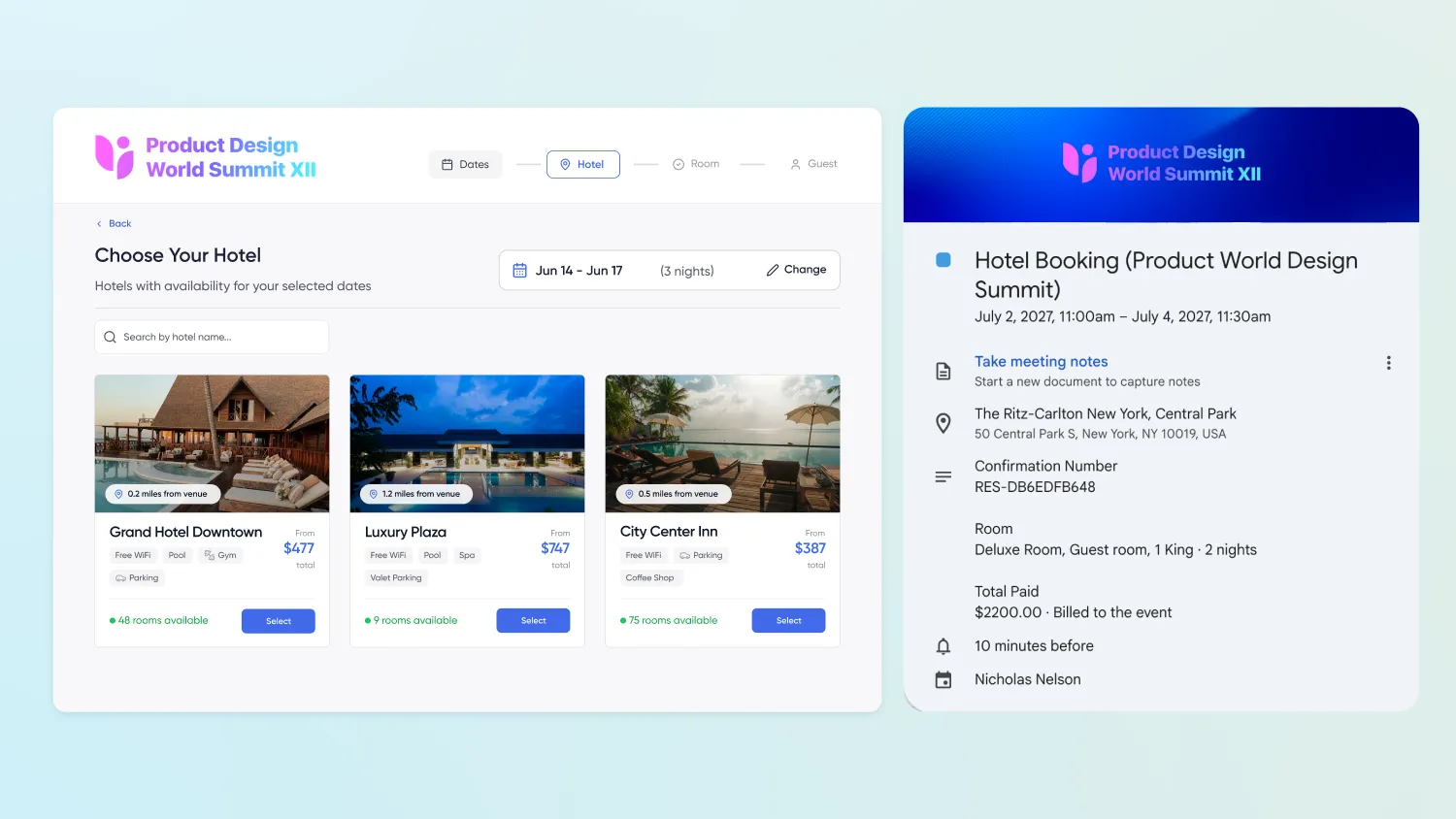
If you’re consolidating separate tools, start with the places where your team repeats work or moves data manually. Are you exporting registrations into a separate check-in tool? Updating speaker details in both the event website and mobile app? Matching hotel bookings to attendee records in a spreadsheet?
Ask vendors to show you how those workflows would work in their platform. Confirm which capabilities are built in, which require integrations, and which cost extra.
If you’re replacing an all-in-one platform, get specific about what isn’t working today. Maybe routine changes take too long. Maybe different modules don’t work together as smoothly as you expected. Maybe your team still relies on spreadsheets to fill gaps.
Bring those examples into the evaluation. Have your team try the tasks that slow them down. Ask what requires extra modules, paid services, or vendor support.
Verify that the platform integrates reliably with your CRM, marketing automation platform, and analytics tools. Bringing event activities together should also make the data easier to use across your business.
In either case, start with one question: “Will a different setup make life easier for my team and improve our attendee experience?” The answer should help you decide whether making a change is worth it.
If you’re consolidating tools, this guide can help: How the re-bundling of event technology is helping event professionals get their jobs back.
How does event management software pricing work?
Event management software has no standard pricing model. Vendors may charge by registration, attendee, event, user, subscription, or credit. Many combine two or more of these approaches.
Skift Meetings’ Event Tech Almanac 2025 found that 44% of vendors use tiered pricing. Other common models include per attendee (29%), custom quotes (26%), a base price (25%), per event (24%), attendee packages (21%), flat subscriptions (21%), and per user (15%).
That variety makes quotes difficult to compare. A lower license fee may come with higher usage charges, paid modules, or limits that only become clear once your event program grows.
The right pricing model depends on how your team runs events. Before comparing quotes, estimate your event volume, registration levels, number of administrators, and the capabilities you’ll need. Then, ask each vendor to price the same scenario.
Ask vendors to show how the price changes if your program grows. A useful quote should cover your current needs and the next stage of growth, so you can see what you’ll pay before you sign.
What counts as a registration?
If a vendor charges by registration or attendee, two questions will determine what you actually pay.
Is the allotment flat or metered? A flat annual allotment that covers unlimited events works differently from a per-registration meter with overage charges. Ask for the overage rate and compare it with your contracted rate. Also ask what happens if you use fewer registrations than expected or exceed your allotment.
What counts as a billable registration? Test registrations, staff, speakers, and canceled registrations may or may not count. Ask the vendor to define each category in the contract, not just in the proposal.
Registrations and attendance are not the same thing. PheedLoop’s April 2026 Event Data Lab Report analyzed check-in data from more than 1,070 in-person events and found a median no-show rate of about 20%. Free events had a median no-show rate of 28%, compared with 17% for paid events. In 17% of events, more than half of expected attendees did not show up.
If registrations are metered, you could be paying for people who never walk through the door. Make sure you understand exactly how the vendor counts them before you compare pricing.
What costs are not included in the event software quote?
The license fee is only one part of your event technology budget. Extra charges often appear in the details of the pricing model, contract, or implementation plan.
Look for these common costs:
- A billing unit that does not match how you operate. Overlapping registration windows, credits, and per-attendee charges can make the real cost difficult to predict.
- Separate charges for the same attendee journey. Ask whether registration, mobile app access, check-in, streaming, or lead capture are priced separately. Confirm whether one attendee can trigger more than one billable charge.
- Hardware outside the platform fee. Badge printers, lead capture devices, and onsite equipment may be rented separately or provided by a third party.
- Lead retrieval as a separate charge. You may pay for it directly, or your sponsors may pay. Either way, they will experience it as part of your event pricing.
- A mobile app licensed separately. App pricing may be based on the event, registration volume, or a separate usage limit.
- Additional admin seats. Some vendors cap the number of users included in your plan or charge more for certain permission levels.
- Professional services for routine changes. If your team needs vendor help updating a registration form, fixing a workflow, or making other routine changes, those services become part of your ongoing cost.
- A multi-year contract without a meaningful exit provision. If the platform does not meet expectations, you may still be committed for the full term.
- Renewal increases. Check whether the contract includes an annual escalator and how those increases compound over time.
Ask vendors to provide a fully loaded first-year price. It should include implementation, hardware, the mobile app, lead retrieval, admin seats, integrations, and any services your team will need.
Want to estimate your own hidden costs? Try our event software cost calculator.

How should you score event management platforms?
Set your criteria before you take the first demo. Otherwise, the most polished presentation can end up shaping your requirements for you.
Capterra’s 2026 Software Buying Trends Report found that only 34% of software buyers become successful adopters. The other 66% experience unexpected disruption, regret, or both. Among buyers who regret a purchase, 89% encountered an unexpected implementation problem.
Successful buyers tend to plan earlier. Sixty-two percent define their budget and must-have features before choosing a product, compared with 48% of disappointed buyers. They are also more likely to negotiate a formal contract: 39%, compared with 32%.
A usable scorecard should include five to eight criteria. Agree on the criteria and their weights before demos begin. Have each stakeholder score the platforms independently.
This will look different based on the needs of your team, but here is a starting point:
Score cost using the fully loaded first-year total. Include implementation, hardware, add-ons, extra seats, and services. Also consider how predictable second-year pricing will be.
The lowest license fee and the lowest total cost rarely come from the same vendor.
What should you ask every event management software vendor?
Once you have a shortlist, ask every vendor the same questions. Record the answers in writing so you can compare them later.
The questions below cover the areas most likely to affect your team’s cost, workload, and event experience.

How should event management software handle reporting and data access?
Ask each vendor to build a real report during the demo. Use your own event data if possible. Can the platform give you the raw data behind the report, or only a polished dashboard? Can the dashboard flex to meet your needs?
Forrester found that access to high-quality data is the biggest barrier to using AI in events. Sixty-three percent of respondents identified it as a challenge, ahead of measuring AI’s value at 62% and data privacy and security at 57%.
That data challenge also affects how well teams can measure event impact. As organizations increasingly use LLM-powered tools to analyze registration, attendance, engagement, and revenue data, data quality and accessibility matter even more. In the same study, 55% of organizations said they could not demonstrate the impact of their events. Thirty percent tracked many different metrics but struggled to connect them to business outcomes. Another 21% tracked only activity-level metrics, and 4% did not measure event performance at all.
Ask vendors how easily you can connect event data to the systems your business already uses. Forrester found that 91% of organizations consider maximizing event data a priority, but only 28% have a deep, bidirectional integration between their event platform and CRM or marketing automation system.
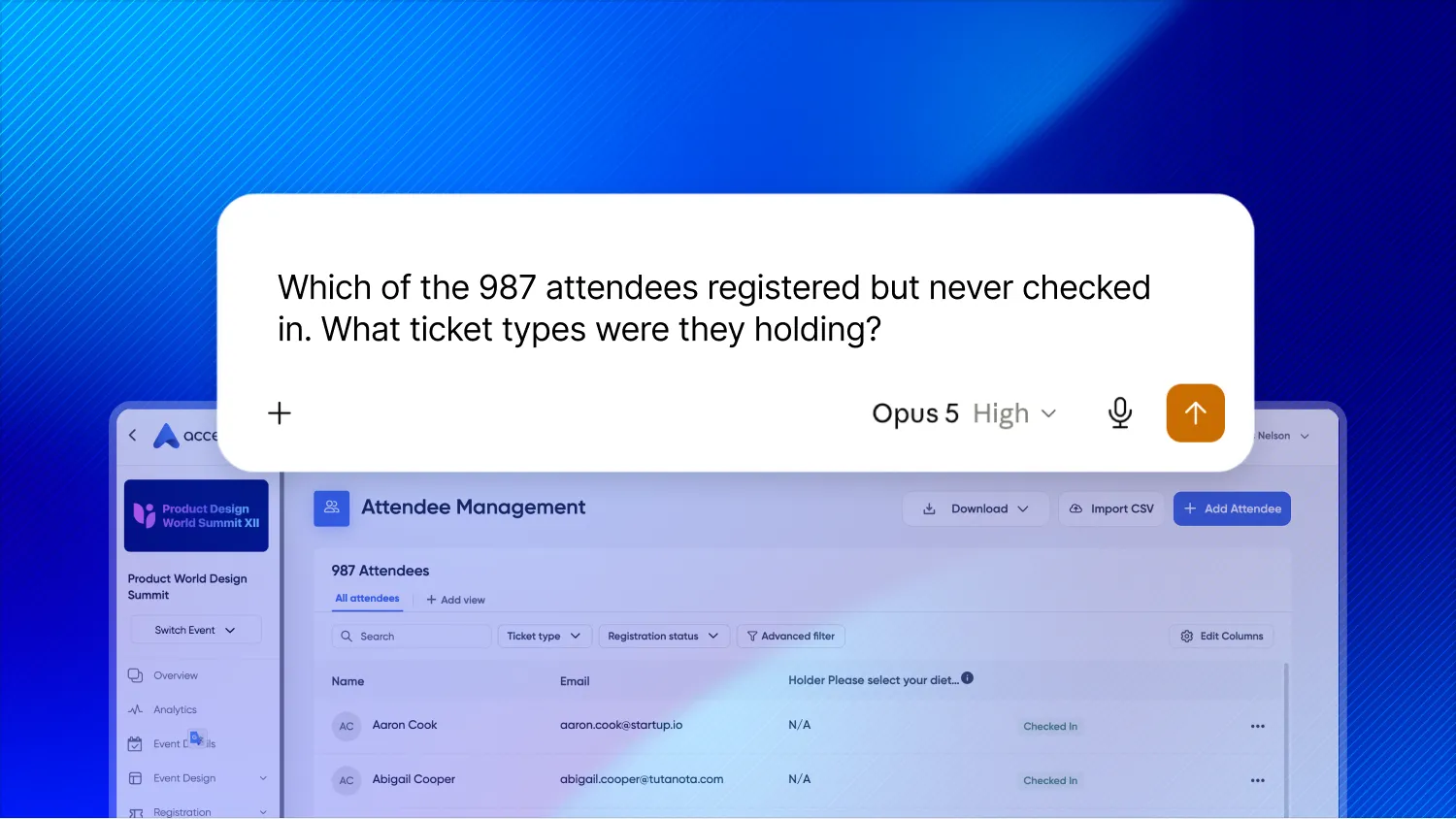
You should also ask whether approved AI tools can query your event data directly. Accelevents includes its MCP connector for customers. Other vendors may treat comparable AI access as a separate add-on or paid capability. Confirm what is included before you compare platforms.
Learn how to query your event data with an MCP connector in this quick read.
How do you switch event management platforms without adding risk to your event calendar?
Start earlier than you think you need to. Plan the move around your event calendar, not your contract renewal date.
Industry practitioners interviewed for Skift Meetings’ study said major platform changes typically happen every three to five years. They estimated that it takes about three years to recover the initial investment in integrations and implementation.
A successful migration usually requires planning for four areas:
- Contract overlap. If your renewal date falls in the middle of the migration, you may need to run two platforms at once. Budget for that possibility or negotiate a transition plan.
- Data export. Confirm your export rights and data retention window before the contract ends. Do not wait until termination to find out what you can access.
- Configuration decisions. A migration is a chance to rebuild workflows that no longer serve your team. If you move every old setting into the new platform, you may carry the old problems with you.
- Retraining. Teams often underestimate how long it takes to adopt a new platform. Even the most user-friendly software requires time, training, and practice. Plan for internal support beyond go-live.
Start evaluating alternatives at least six months before your notice window closes, even if you are not sure you want to move. That gives you time to understand your options and determine what your current contract is really worth.
Wondering what migration might look like for you? It doesn't have to be as painful as you think!
Choosing the right event management software
Choosing event management software comes down to how well a platform fits the way your team works.
The right platform should support the event experiences you create, give your team control over routine changes, and make the total cost easy to understand. It should connect reliably with the systems your business already uses. If something goes wrong, your team should know how to get help.
Before you sign, ask yourself:
- Can my team use the platform without depending on the vendor for every change?
- Do I understand the full cost now and as our event program grows?
- Can I access and use our event data across the business?
- Do we have a realistic plan to implement the platform and support our team?
The best event management software is the platform your team can rely on before, during, and after the event. Use the questions and scorecard in this guide to compare vendors on how they actually work, not just what they promise in a demo.
Ready to explore your options?
Whether you’re bringing separate tools together or replacing an all-in-one platform, see how Accelevents can support your event program.
FAQs
01. What is the difference between event management software and event planning software?
People often use these terms interchangeably, but they can describe different scopes. Event management software usually handles attendee-facing activities such as registration, ticketing, event websites, check-in, mobile apps, sessions, and reporting.
Event planning software is a broader term. It may also include project management, budgets, task management, vendor coordination, and other behind-the-scenes logistics. When comparing platforms, focus on the specific work they help your team manage rather than the product label alone.
02. Can event management software support in-person, virtual, and hybrid events?
Many platforms support all three formats, but the capabilities can vary. Ask how the platform handles registration, content, sessions, attendance, engagement, and reporting across each format. Confirm whether virtual and hybrid tools are included or priced separately.
03. Can event management software connect to AI tools?
Some platforms allow approved AI tools to query event data for analysis and reporting. Ask what data the tools can access, how security is handled, and whether the capability is included in your plan. Accelevents includes its MCP connector for customers.
04. What should happen to event data when you change platforms?
Before you switch, confirm your rights to export registration, attendee, session, sponsor, and engagement data. Ask how long you will retain access after the contract ends and whether the new platform can import the data you need.
Research cited in this guide
- Forrester, Q1 2026 State of B2B Events Survey
- Gartner Digital Markets, Capterra 2026 Software Buying Trends Report
- PheedLoop, Event Data Lab Report #05, April 2026
- Skift Meetings, Event Tech Almanac 2025